Done-Next Request a trial
Try it

Five demos. No sign-up.

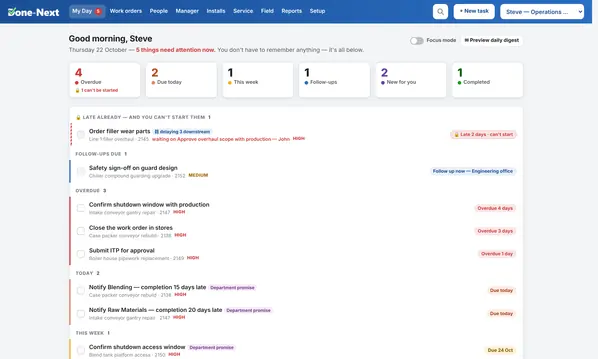
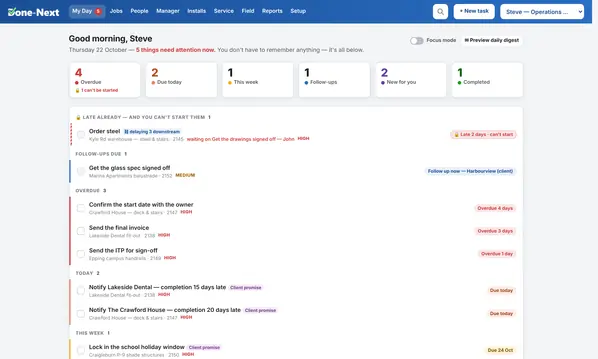
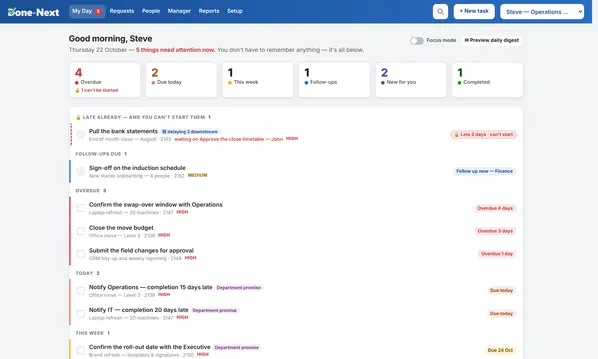
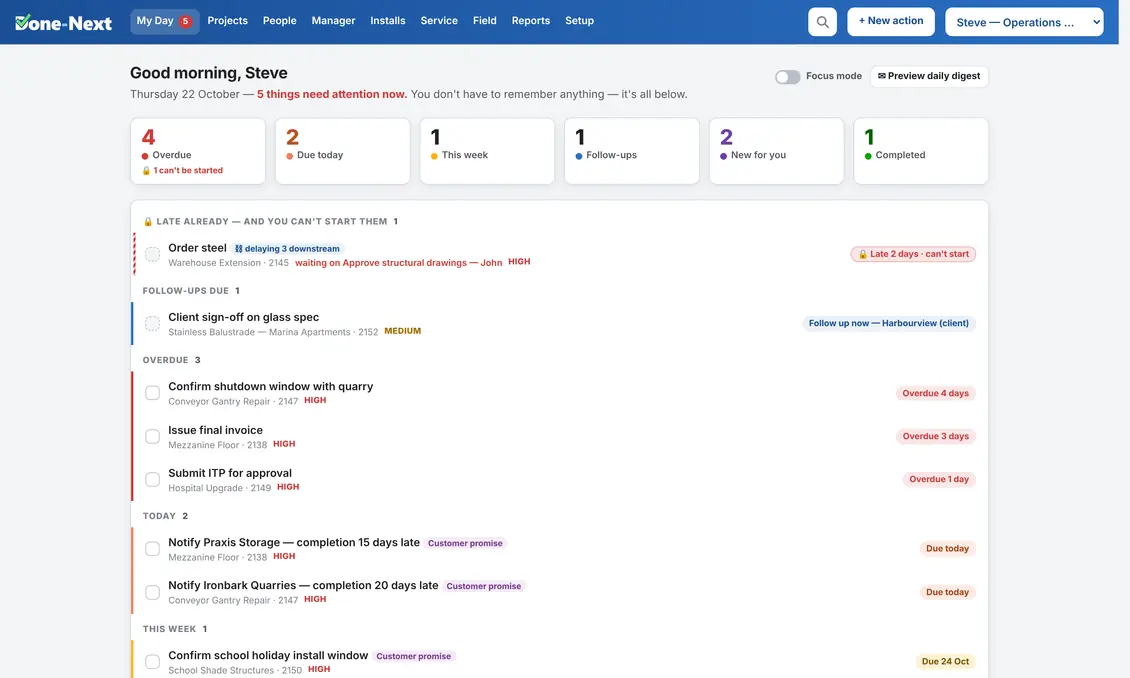
Each one is the real software with invented data — a realistic fortnight already in it, including a job running late, a crew double-booked and a pile of overdue work. Click anything. You cannot break it, and nothing you do reaches anybody else.
Projects & install demo

Projects & install

Fabrication, fit-out and equipment installation

Service & maintenance demo

Service & maintenance

Callouts, servicing, agreements and route optimising

Manufacturing / plant demo

Manufacturing / plant

In-house work orders raised by departments

Trades demo

Trades

Builders, fabricators and small crews

Office / departments demo

Office / departments

Work raised by one department for another

Before you start

Three things worth knowing.

Your changes are saved

In your own browser, on your own machine, and nowhere else. Nobody else sees them and they never reach us. Close the tab and come back — it'll be as you left it.

Put it back whenever you like

Setup → Data → Reset to demo data puts the original week back in a second. So do experiment: delete a job, blow up a timeline, see what happens.

Try being someone else

The picker at the top right switches user. Look at the same day as the Operations Manager, then as a fabricator — what each can see is the point.

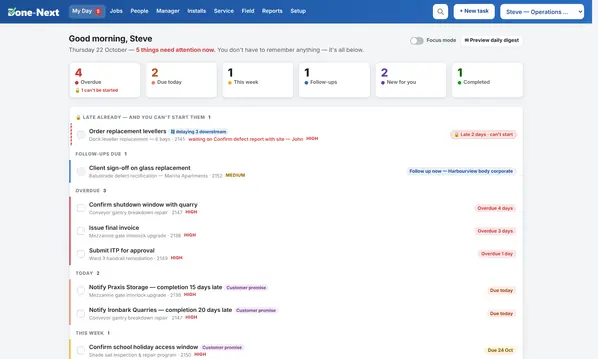
Somewhere to start: open My Day and read it top to bottom. Then click a job name and look at the timeline — find the stage that is driving the finish date. Then open Schedule and drag a booking onto a day that already has one. In the Service & maintenance demo, open Service, step forward a day with the → arrow and press Optimise this day — it will tell you what it would change and what it saves before anything moves. Try tomorrow and the day after: by the time you read this most of today is behind the clock, so there is little left of it to reorder.

Ready for it with your real work in it?

Tell us what your business does and how many people would use it, and we'll set up a trial with your own people and job names in it.